Introduction
You’ve chosen the box style, approved the quotation, and emailed your logo. “Go ahead,” you say. Three days later the factory replies: we can’t start production.
The reason is usually simple — your packaging design files aren’t production-ready. A logo JPG isn’t a box design. A PowerPoint layout isn’t a print file. This guide lists the 7 things your factory actually needs before it can print your box, and the mistakes that delay orders by a week or more.
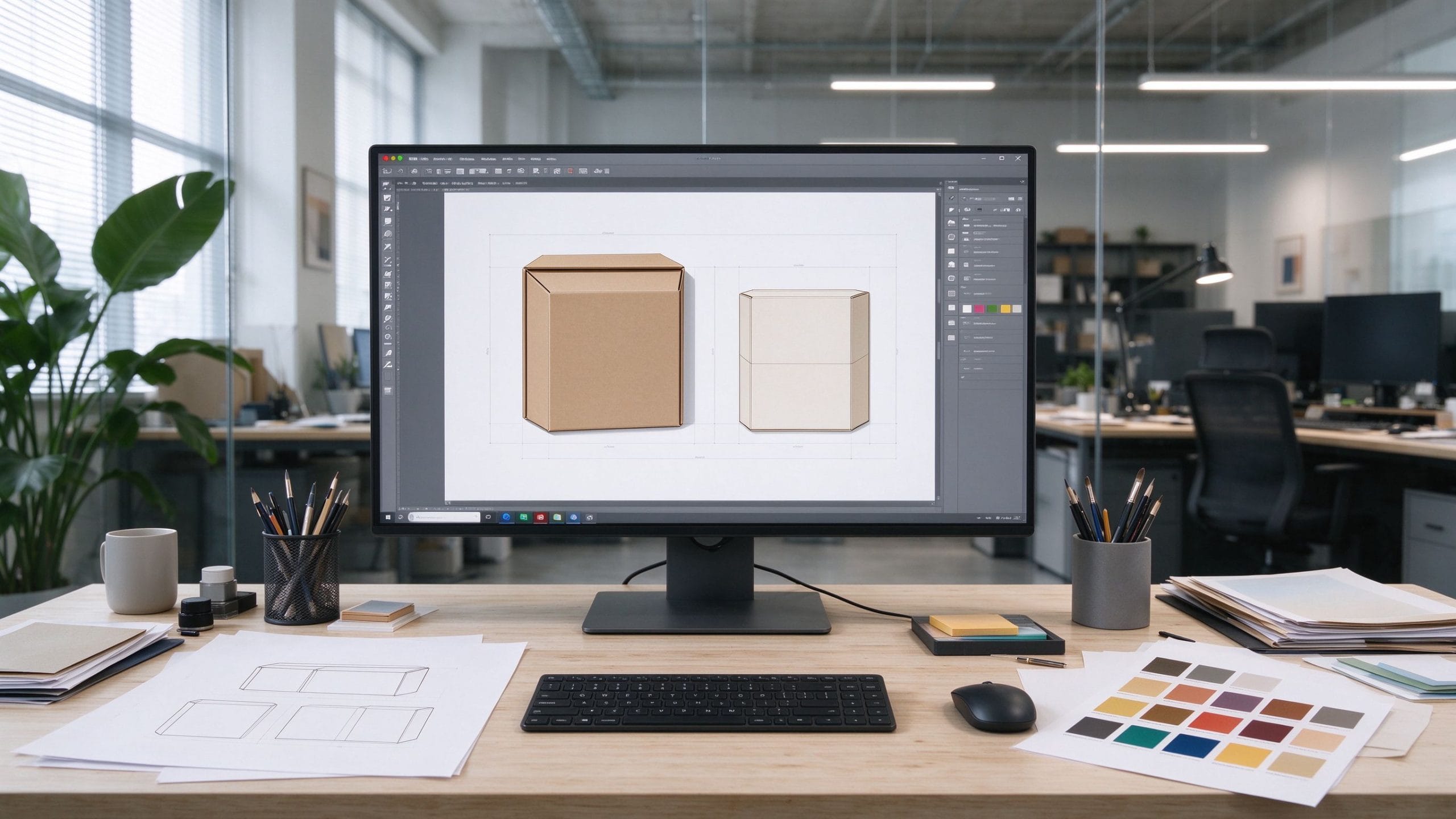
A production-ready workspace: box artwork on screen, dieline printouts, and color swatches — this is what factories need before printing.
What Are Packaging Design Files?
Packaging design files are the digital artwork your factory uses to make the printing plates and cutting dies. They’re not pretty mockups — they’re production files with exact dimensions, colors, and fold lines. Send the wrong kind, and the factory either redoes it (delaying you) or guesses (and gets it wrong).
Table of Contents
The 7 Files Your Factory Needs
1. Final artwork as a vector PDF. Send a PDF, not a JPG, PNG, or PowerPoint. A vector PDF scales to any size without blurring. The factory uses this file to make the printing plate.
2. The dieline (structural template). The dieline is the flat shape of your box — every fold line, cut edge, and tuck flap marked. Your factory usually provides this template; you then design on it, not around it.
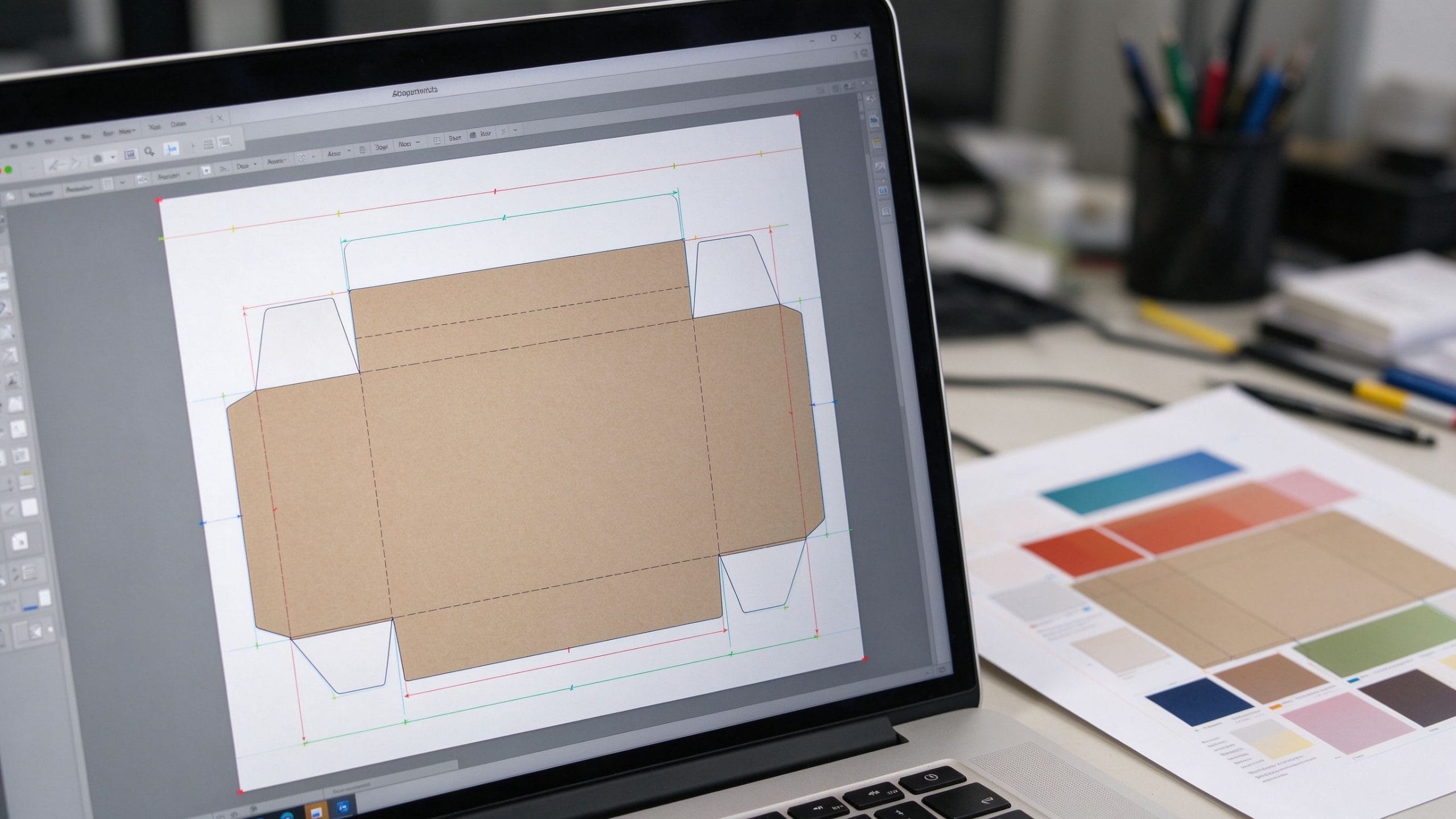
A dieline on screen: fold lines, cut edges, and bleed margins — artwork must sit on this template, not beside it.
3. Images at 300 DPI. Any photo or illustration on your box must be 300 DPI at print size. A 72 DPI web image looks fine on screen but turns grainy on a printed box.
4. Colors defined in CMYK or PMS. Tell the factory your brand colors as CMYK values or PMS (Pantone) numbers. “That blue” or “make it green” is not a color spec. PMS spot color gives the most accurate brand match.
5. Bleed of 3 mm. Design must extend 3 mm past the cut line on every side — that’s the bleed. Without it, a white edge shows up on the finished box when the cutter drifts slightly.
6. Fonts converted to outlines. Fonts must be converted to curves/outlines in the PDF. If you send editable text, the factory’s computer may not have your font, and the box comes out in a typeface you never approved.
7. A 3D mockup (optional but useful). A rendered 3D picture of the finished box helps the factory confirm orientation and design intent. It doesn’t replace the production files — it’s a reference on top.
5 Mistakes That Delay Production
- Sending a JPG logo only. Logos must be vector (AI/EPS/PDF), not pixel images.
- Designing off the dieline. Artwork that doesn’t align with fold lines gets shifted during printing.
- RGB colors. Screen colors (RGB) print darker and duller. Always convert to CMYK/PMS.
- Low-res images. 72 DPI web photos on a box look blurry up close.
- Missing bleed. White edges on every box — the most common rookie error.

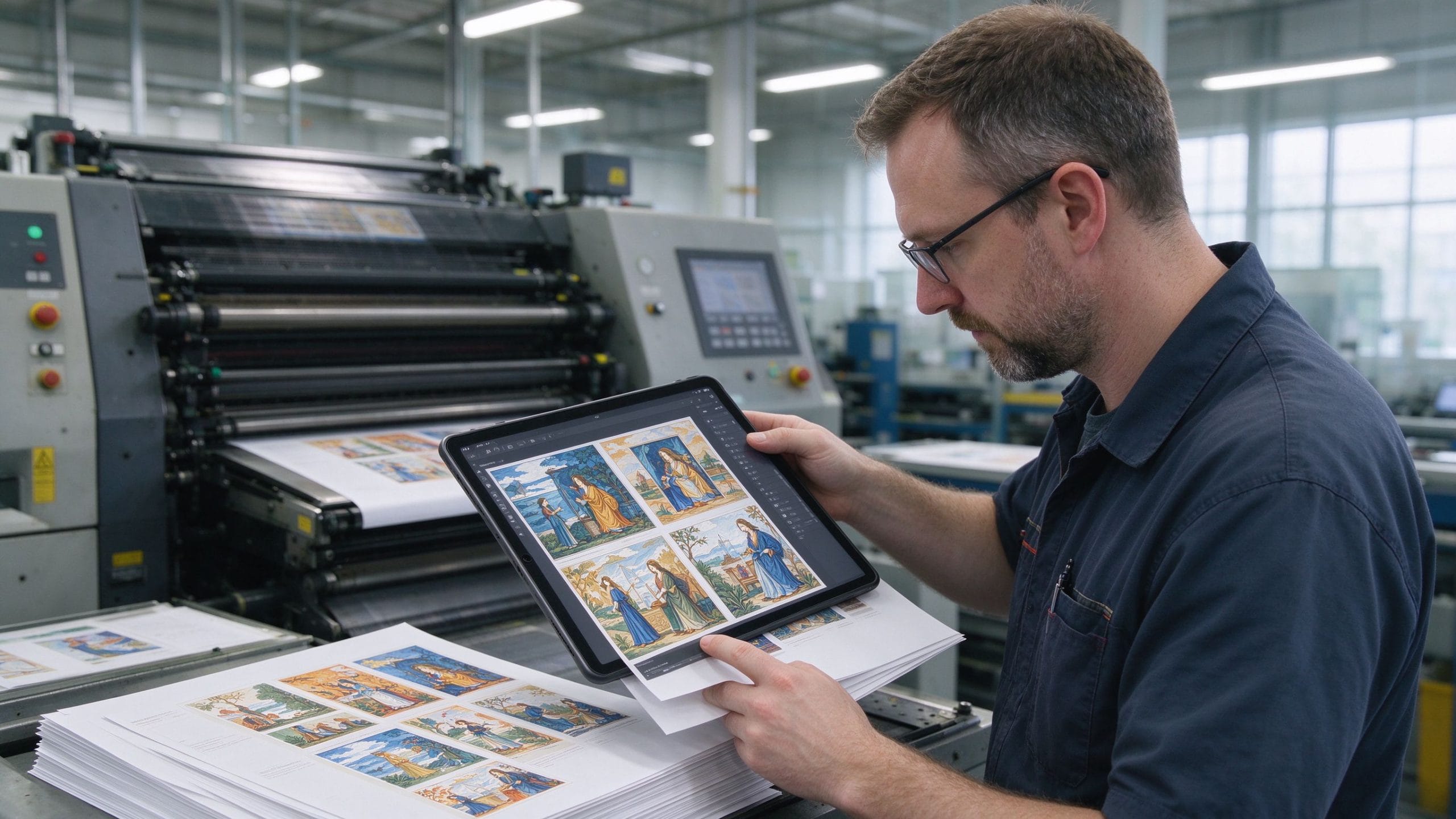
Factory QC comparing printed sheets to the artwork file — this check only works when the original files are production-ready.
What If You Don’t Have a Designer?
Most packaging factories, including us, will lay your artwork onto the dieline for free once you send: your logo vector file, your brand colors, and a rough idea of layout. If you need a full custom design, a freelance packaging designer on Upwork or Fiverr costs 100–300 per box design. Either way, the final delivery to the factory must meet the 7 requirements above.
For sustainable brands, ask your factory to use FSC-certified board — it doesn’t change your design files, only the paper stock.
FAQ
What file format do packaging factories prefer? A vector PDF with outlined fonts, embedded images, and bleed. AI and EPS source files are also accepted if fonts are converted.
Can I send a Canva design? Canva exports low-res PNG/JPG. It’s fine for a mockup, not for print. Export the design to a vector PDF or ask your factory to rebuild it.
How long do design files take to prepare? If you have a ready logo and brand colors, laying them onto the dieline takes 1–2 days. A full custom design takes 1–2 weeks.
What happens if my files are wrong? The factory will send them back for revision. Each round-trip adds 2–3 days to your lead time — get it right before sending.
Do I need to send files for every reorder? No. Once approved, the factory stores your files forever. Reorders print from the same plates.
Get a Quote
Send us your logo file, brand colors, and product size. We’ll provide the dieline, lay out your packaging design files, and send a proof before printing. Guangdong Meiyin Digital Technology has produced custom paper packaging since 2005, MOQ from 100 units, exporting to 30+ countries.